How do you sign in on your phone, step by step?
A typical Cleobetra Login on a phone follows the pattern below; button names may differ a little.
- Open the site in your mobile browser. Type the address yourself or use a bookmark you made earlier, rather than tapping a link from a message.
- Find the login button. It usually sits near the top of the page, and on a narrow screen it may hide inside the menu icon.
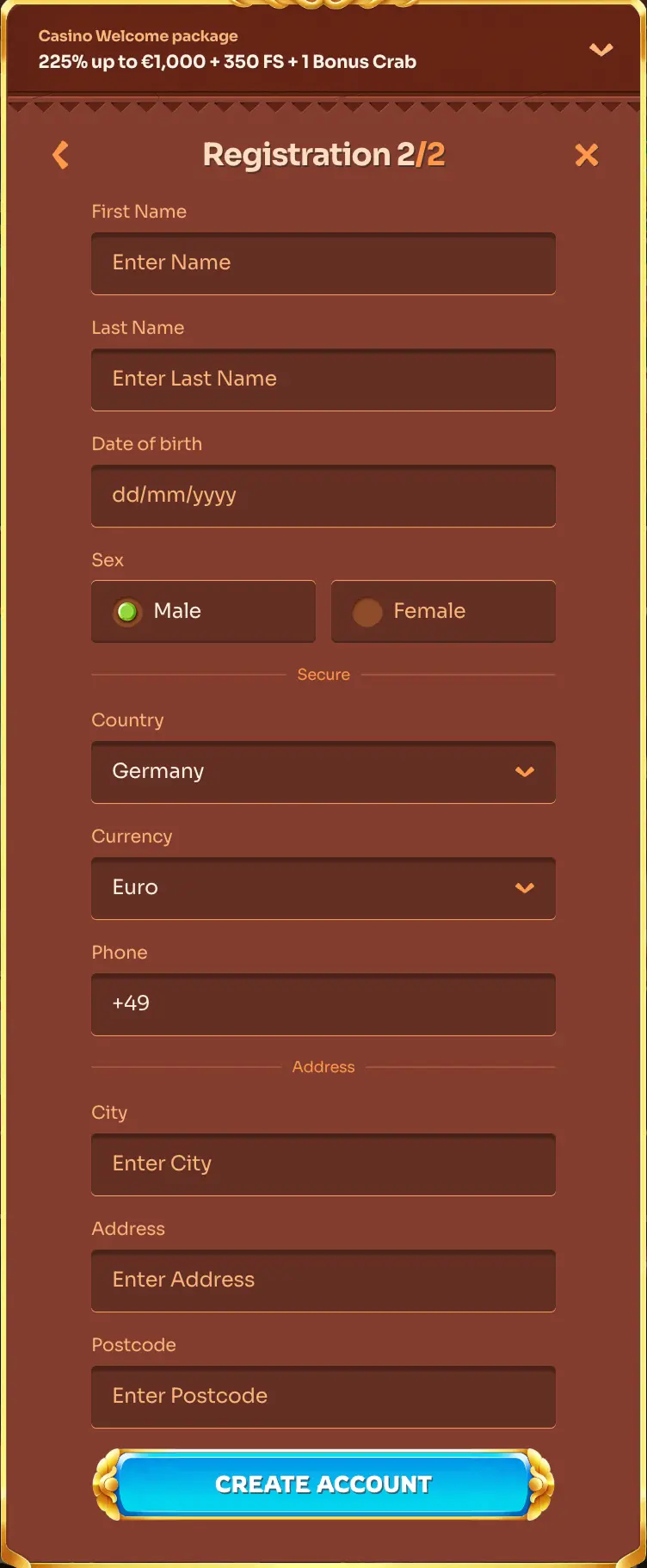
- Enter your details. Use the e-mail or username you registered with and your password. If there is an eye icon, tap it to check what you typed.
- Submit the form. Wait for the account page to load before you tap anything else.
- Check the address bar. A padlock and the right domain name show you are on the correct page before you go further.